Scyn vs Plottr: Visual Plot Map or Timeline Outline?
Compare Plottr and Scyn for story outlining. Plottr offers templates and timelines; Scyn offers a free 100-scene visual plot map for cause and effect.
By Elias Ward
Founding writer at Scyn

The short answer
Scyn is the better choice if you think in visual connections and want to see your entire plot structure at a glance. Plottr works better if you prefer a linear, timeline-based approach to outlining with templates to guide you. Both are strong tools for different types of writers.
Plottr has been around since 2019. Its official pricing page currently advertises 40,000+ writers and 40+ templates, which matches the size of the community around it. If you are looking for a plotting tool, you have probably already heard of it.
Scyn, our visual plot mapping tool, is newer and smaller. It does fewer things. But the things it does, it does differently, and depending on how your brain works, that difference might matter a lot.
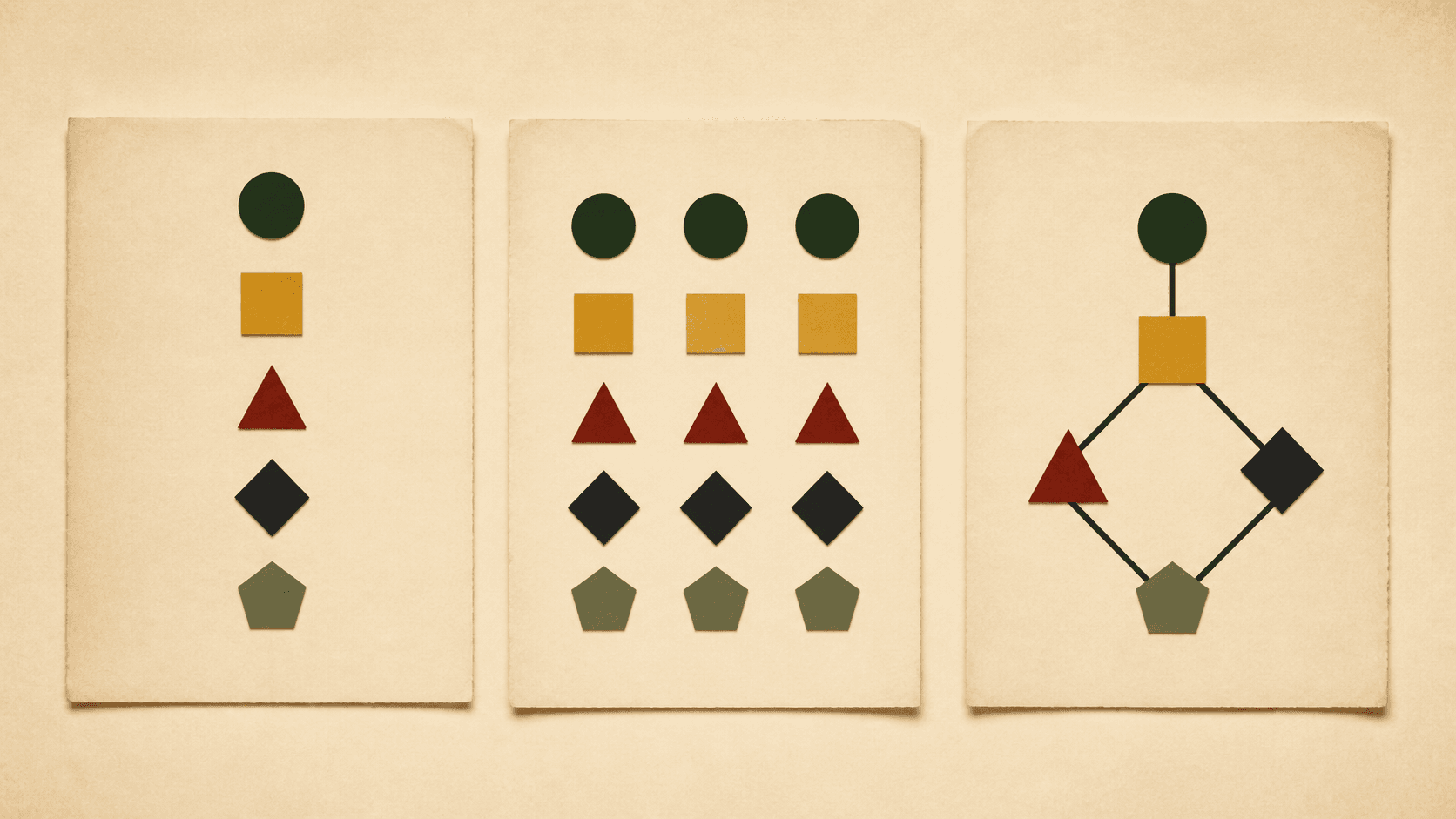 A sequence, a grid, and a connected map organize the same story material differently and expose different structural questions.
We built Scyn, so you should assume we are biased. We will try to be honest anyway. Both tools solve the same broad problem, visual story outlining, but in fundamentally different ways. The question is which approach fits your process.
The core difference
Plottr organizes your story as a timeline. You lay out scenes and beats along horizontal plotlines, arranged left to right. It looks like a spreadsheet crossed with a Gantt chart. Each row is a plotline (main plot, subplot A, romance arc), and each column is a chapter or section. You fill in scene cards at the intersections.
Scyn organizes your story as a map. You place story events as nodes on a canvas and draw edges between them to show cause and effect. It looks more like a flowchart or a mind map, except the connections between events are explicit and directional. "This happens because that happened" is a line you can see.
Both approaches are visual. But they answer different questions.
A timeline answers: what happens in what order?
A map answers: what causes what, and where does the structure break?
If you already think about your story sequentially, chapter by chapter, scene by scene, Plottr will feel natural. If you think about your story as a web of cause and effect, where subplots converge and consequences cascade, Scyn will probably click faster.
Where Plottr goes further
Plottr has been building features for seven years. It shows.
Template library depth. Plottr's features page and homepage advertise a large starter-template library (30+ on features, 40+ on the homepage): Save the Cat, the Snowflake Method, Hero's Journey, romance beats, mystery beats, and many more. Scyn currently includes 11 visual templates, including Three-Act Structure, Save the Cat, Hero's Journey, mystery, romance, character arc, and screenplay outlines. Plottr still offers the much broader library.
Character sheets and world building. Plottr's story bible tools include dedicated sections for character profiles (with templates like the Proust Questionnaire and D&D character sheets), world-building notes, and a series bible for tracking details across multiple books. Scyn Pro has focused Cast & Places profiles, but not Plottr's deep questionnaires, world-building system, or series bible.
Integration with writing apps. Plottr exports directly to Scrivener and Microsoft Word. Scyn exports maps to PNG and, on Pro, supports PDF and DOCX exports, but it does not integrate directly with Scrivener or Word.
Offline access. Plottr's desktop app works without an internet connection. Scyn is a web app. No internet, no Scyn.
A mature ecosystem. Plottr has video tutorials, live training sessions, documentation, a Facebook community with thousands of members, and a certified editor program. Scyn has a blog.
If you want an all-in-one planning suite that covers characters, world building, timeline, and can feed that data into your writing app, Plottr has more surface area. We are not going to pretend otherwise.
What Scyn does that Plottr does not
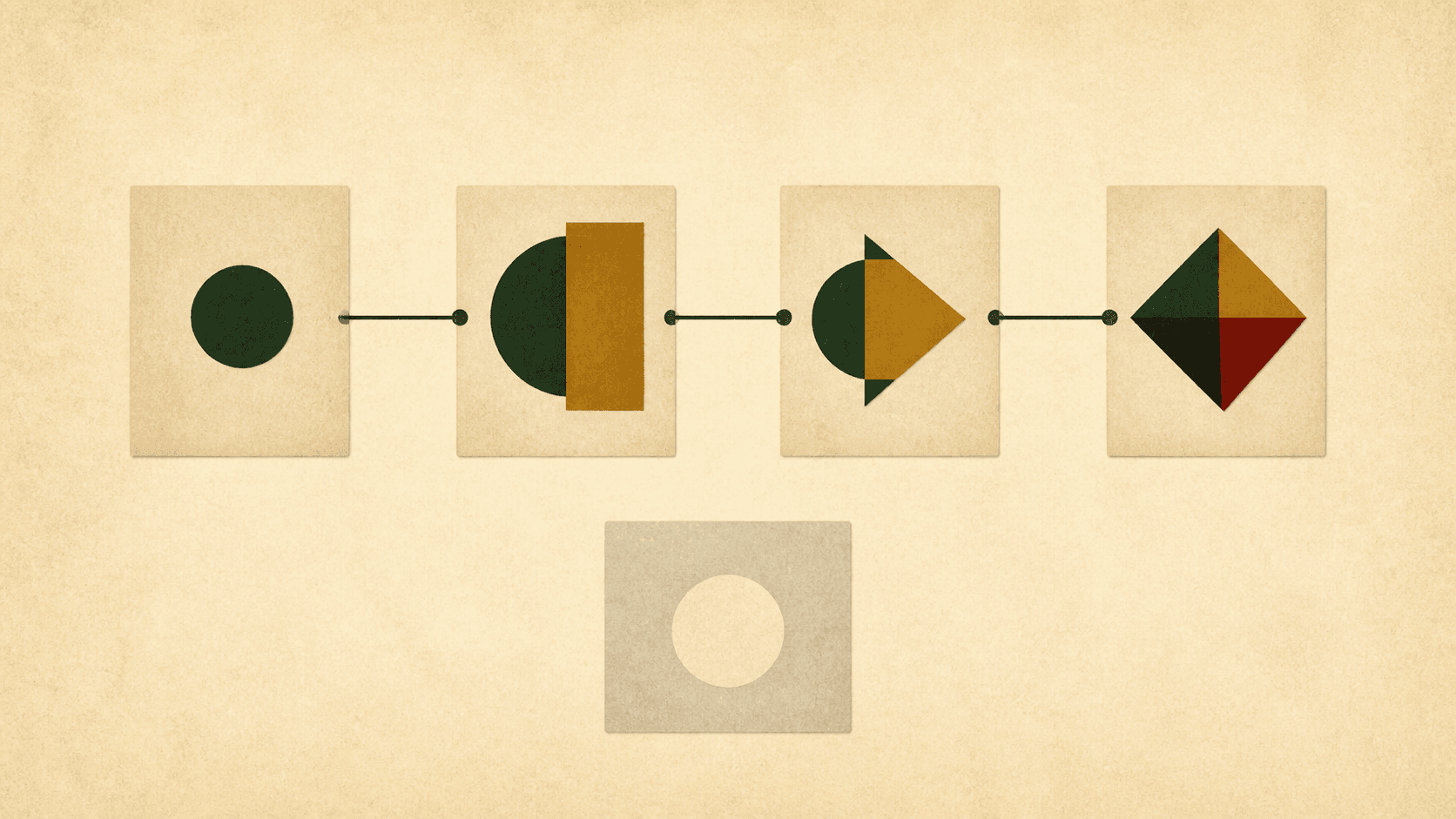 The connected cards form a causal sequence. The pale card has no connection, making a dangling plot thread visible.
Cause-and-effect mapping. This is the fundamental difference. In Scyn, the connections between story events are first-class objects. You draw an edge from Event A to Event B, and that edge means something: A causes, enables, or sets up B. You can see at a glance whether your inciting incident actually connects to your climax through a chain of causation, or whether there is a gap in the middle where things just sort of happen.
Plottr does not do this. Its timeline shows you when things happen, not why they happen. The causal relationships between scenes live in your head. If you want a starting shape on that canvas, browse the free interactive template library.
Free tier. Scyn Free has no time limit and includes one novel with up to 100 scenes, 200 links, account saving, five snapshots, and PNG export. Scene 101 is the Pro boundary, with a one-time 14-day trial available. Plottr offers a 30-day free trial, after which the cheapest option on the official pricing page is $60 per year (or $150 for a lifetime desktop license).
Web-first. Scyn's browser-based plot map runs in the browser. You can use it on any device with a web connection: laptop, tablet, Chromebook, your phone in a pinch. Plottr's base plan is desktop-only (Windows and Mac). To get browser access, you need Plottr Pro at $99 per year (or $9.99 per month).
Shareable maps. On Pro, Scyn lets you create an unlisted share link for your plot map. You can send your story structure to a writing partner, a critique group, or a developmental editor as an interactive map they can explore, not a static image. Plottr's real-time collaboration requires each participant to have their own Pro subscription.
Price. Scyn Pro is $6.99 per month or $70 per year for unlimited synced projects, unlisted share links, and up to five collaborators per project. The closest Plottr equivalent (Plottr Pro with cloud sync and collaboration) is $99 per year. Plottr's desktop plan at $60 per year does not include cloud sync or collaboration.
Where each tool fits better
Use Plottr if you are a plotter who likes structure. You want a large template library to guide your outlining. You track detailed characters, world details, and series continuity. You write in Scrivener or Word and want your outline to flow into your manuscript. You are willing to pay for a mature, full-featured planning suite.
Use Scyn if you think about story as a web of connections rather than a sequence of events. You want to see cause and effect, not just chronology. You need something free to start with. You work across multiple devices. You want to be able to share your story structure on a single Pro account without everyone needing a paid seat.
They are different tools with different opinions about what matters when planning a story. Plottr says: organize everything in one place and lay it out on a timeline. Scyn says: make the connections between events visible and let that visibility expose structural problems.
The honest trade-off
If you pick Scyn, you give up Plottr's much larger template library, deep character questionnaires, world-building and series-bible tools, and direct writing-app integrations. Scyn's Cast & Places profiles and Story Mode stay deliberately narrower.
If you pick Plottr, you give up Scyn's permanent 100-scene Free plan, cause-and-effect mapping, and browser-first flexibility. The relationships between your story events stay implicit.
Some writers need both. You can use Scyn to map your story's causal structure during the brainstorming phase, then move to Plottr (or Scrivener, or whatever you draft in) once you have a structure you trust. The two tools are not mutually exclusive.
If you are replacing Plottr rather than pairing it, the 2026 Plottr alternatives roundup walks through seven tools, including this pair, by planning model and cost.
If you are not sure, the low-cost way to find out is to try both. Plottr gives you 30 days. Scyn gives you one novel with up to 100 scenes and no time limit. Spend an afternoon mapping the same story in each and see which one makes you think differently about your plot. That will tell you more than any comparison post, including this one.
Feature comparison
What each tool does and does not do, checked against Plottr's features page and Scyn's product in August 2026:
| Capability | Scyn | Plottr |
|---|---|---|
| Visual causal plot map | Yes: nodes plus directional links with optional labels | Not a visual causal map; a timeline grid of when events happen |
| Drafting / manuscript editing | Focused Story Mode on Pro, not a full writing suite | Not a manuscript editor; exports to Word and Scrivener |
| Templates | 11 visual templates | 30+ starter templates (40+ advertised on the homepage) |
| Platforms | Browser | Windows and Mac desktop; browser on Pro |
| Offline use | No | Yes on the desktop plan; the official comparison table marks Pro offline as coming soon |
| Free tier | One novel, up to 100 scenes, no time limit | 30-day trial, then paid |
Pricing comparison
Figures below are an August 2026 check against Plottr's pricing page and Scyn's pricing page. Confirm on the vendor site before buying.
| Tier | Price | Source |
|---|---|---|
| Scyn Free | One novel, up to 100 scenes | Scyn pricing |
| Scyn Pro monthly | $6.99/month | Scyn pricing |
| Scyn Pro yearly | $70/year | Scyn pricing |
| Plottr desktop annual | $60/year | Plottr pricing |
| Plottr desktop lifetime | $150 | Plottr pricing |
| Plottr Pro monthly | $9.99/month | Plottr pricing |
| Plottr Pro annual | $99/year | Plottr pricing |
| Plottr Pro lifetime | $599 | Plottr pricing |
| Plottr Pro + Community monthly | $14.99/month | Plottr pricing |
| Plottr Pro + Community annual | $129/year | Plottr pricing |
| Plottr Pro + Community lifetime | $649 | Plottr pricing |
Related comparisons
- Scyn vs Scrivener
- Scyn vs Dabble
- Scyn vs Campfire
- Best Story Planning Software in 2026: 5 Tools Compared